
Dimmit VINE Is Now IVSS
Texas VINE and VINELink are legacy names. The Texas Attorney General states that Texas IVSS-Counties replaced VINE effective September 1, 2025. Existing registrations migrated, with a password update on first login. The county system can carry booking, release, court, escape, death, and transfer events from participating sources. It should not be described as a lasting public release archive.
Dimmit County participation was not confirmed on an accessible official static list. Check for Dimmit in the live IVSS-Counties portal or call support before relying on county alerts. TDCJ IVSS is separate and covers people in state custody or on parole or mandatory supervision. Neither portal covers the Bureau of Prisons or ICE.
Review the Attorney General's Texas notification transition before following older VINELink instructions.
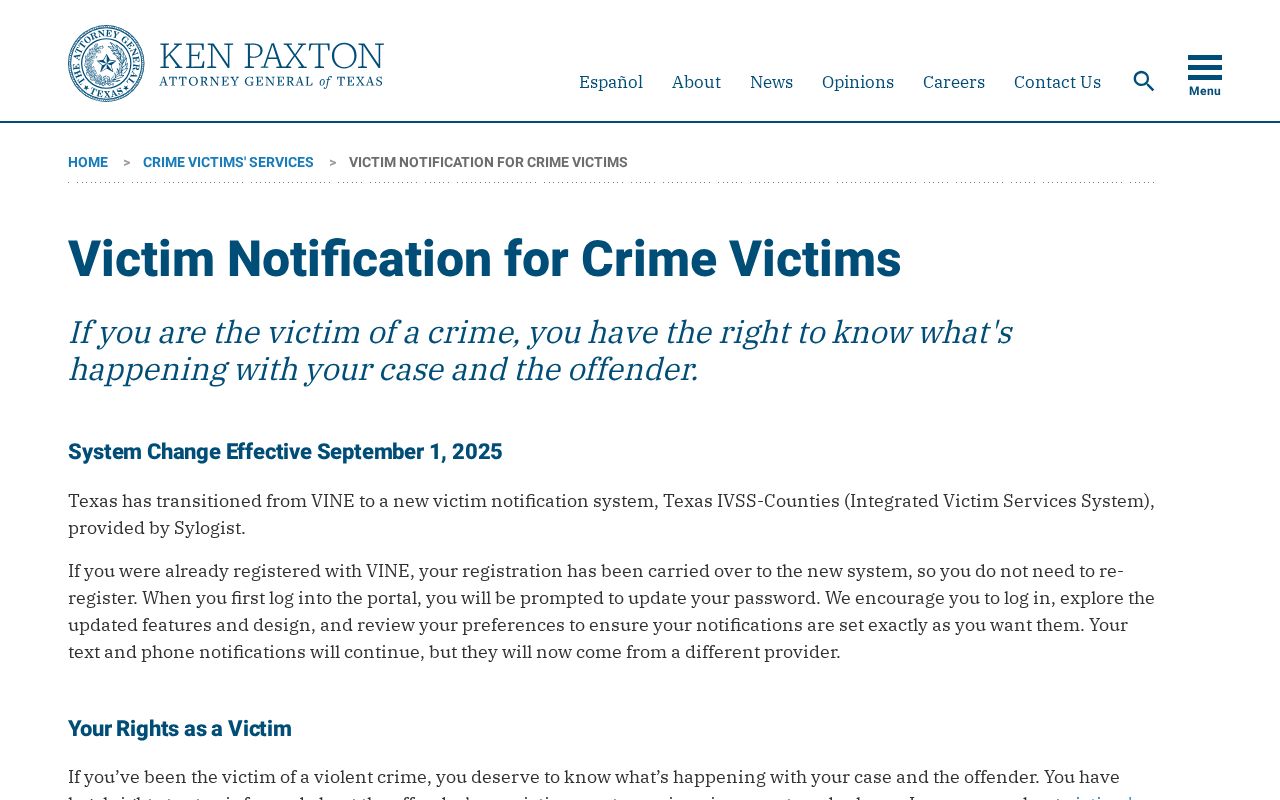
The captured official page explains the statewide change; it does not by itself prove that a particular Dimmit record is available.
Check One Dimmit Custody Record
Choose the system tied to the last known custodian. Use IVSS-Counties for a county jail or court event if Dimmit appears and the relevant source participates. Use TDCJ IVSS for state custody, parole, or mandatory supervision. A person who left Dimmit County Jail for TDCJ has transferred rather than gone home, so the state portal and offender record become the next checks.
- Collect the full name and any birth, booking, case, SID, or TDCJ identifier that can separate similar names.
- Open the appropriate current IVSS portal. Select or verify the county when using IVSS-Counties.
- Search with the fields the live portal accepts, then compare custody or case data across possible matches.
- Open only the record whose identifiers fit. Never register against a name-only guess.
- Read the event and current status, then confirm release or transfer with the Sheriff, TDCJ, or receiving agency.
If no county match appears, recheck spelling and the live Dimmit selector, then call IVSS-Counties support. For a broader identity and custody-type workflow, use the Dimmit County released-inmate lookup. A blank result does not prove release.
Dimmit IVSS Release Fields
Current official materials describe offender or case search and event selection. Actual fields can vary by participating source and record. Do not promise that a released person remains searchable. Preserve the timestamp and wording of any received alert, then obtain the Sheriff's actual release entry for durable proof.
| Item | How to interpret it |
|---|---|
| Identity or case data | Helps distinguish matches; a name alone is weak. |
| Booking event | Shows intake, not release. |
| Release event | Reports a source event; confirm disposition and actual time with the custodian. |
| Transfer event | Points to another custodian, not community release. |
| Court event | May explain legal action but not the physical departure time. |
| Delivery timestamp | Shows when the notice arrived, which can differ from the event time. |
Register Dimmit Release Notifications
Registration belongs on the correctly matched record. Current materials describe text, telephone, and email delivery, along with preferred hours and blackout dates. The live interface controls the confirmation method. Keep contact information current because number changes, filtering, quiet periods, or migration issues can prevent delivery.
- Open the verified person's record and create or sign into an IVSS account.
- Select the booking, release, transfer, court, escape, or other events the record actually offers.
- Choose the available text, telephone, or email method and set the preferred delivery options.
- Complete the email link, text code, phone acknowledgment, password step, or other confirmation shown by the current portal.
- Save the registration details and test that contact information remains valid.
The IVSS-Counties help line is 866-268-8959 and is described by the Attorney General as available around the clock in English and Spanish. TDCJ Victim Services can help with the state portal at 800-848-4284 or victim.svc@tdcj.texas.gov. Notification is not a safety guarantee, so urgent status questions belong with the custodian.
Confirm Dimmit Release Alerts
When an alert says release, save its exact timestamp and wording. Ask the Dimmit County Sheriff's Office for the booking entry that shows actual release date and time, disposition, releasing authority, and any public transfer destination. A release notice corroborates an event but does not explain every hold or prove that no other agency assumed custody.
When an alert says transfer, follow the receiving system. TDCJ's offender search is the source for state custody and supervision fields. Federal matters require the BOP locator and federal docket. ICE custody requires the ICE locator and its stated scope. Neither IVSS portal replaces those systems.
Legacy VINE PIN Instructions
Former Texas VINE telephone registration used a four-digit PIN. When an automated call arrived, entering that PIN followed by the pound sign acknowledged the notice and stopped repeat attempts. Unanswered calls could repeat. That procedure is historical and should not be used as the current Texas IVSS registration method.
The current brochure does not confirm the former PIN workflow. Follow the confirmation step displayed by today's portal. Older search results, brochures, or saved bookmarks may still use the words VINE and VINELink, which explains the page keyword but does not make those instructions current after September 1, 2025.
Dimmit TDCJ IVSS Coverage
TDCJ IVSS handles state custody and parole or mandatory-supervision notifications. It is separate from county IVSS. Search and register through the state portal when TDCJ is the custodian or supervisor. If the person cannot be found, compare the TDCJ offender record and contact Victim Services rather than assuming the person was released.
Open the official TDCJ IVSS portal to review its current custody and parole notification interface.
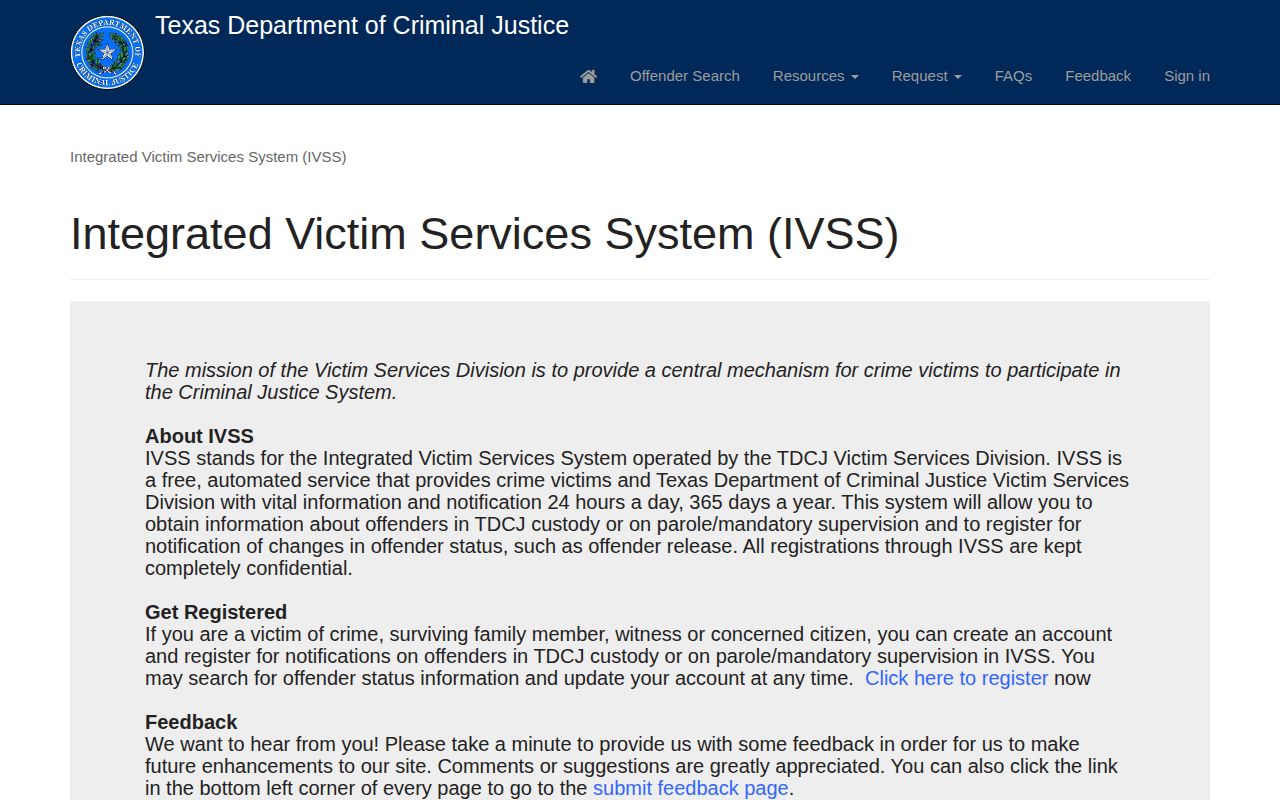
This screenshot illustrates the state portal interface, not the continuing status of any named person.
The TDCJ record can show a parole or mandatory-release date, supervising office, or discharge data, while IVSS supplies selected notices. Those functions overlap but are not identical. Use the record for status and the alert for timely notice, then request certificates if exact historical proof is needed.
Dimmit Alert Failure Checks
No notice can have several causes. The wrong match may have been selected, Dimmit participation may be unavailable for that source, an event type may not be enabled, or contact preferences may block delivery. Migration from VINE can also require a password update. Review the registration and call support before treating silence as a custody fact.
For multiple matches, compare case and custody details instead of choosing the first result. If the record remains uncertain, contact the Dimmit County Jail at 830-876-3508 and request the official release record. A source closest to the event and a newer timestamp usually deserve more weight, but conflicting official records should be reported as unresolved until both agencies respond.
Confirm the account settings as well. The chosen event must remain active, and the phone number or email address must still work. Preferred hours, spam filters, and blocked automated calls can affect delivery. Those are delivery issues, not proof of custody status. The originating jail or TDCJ record remains the authority for what occurred.
Read each alert by its named event. Booking means entry into custody. A court event may report a filed action without proving physical departure. Escape, death, release, and transfer are distinct outcomes. If a notice gives little detail, request the source event entry instead of filling the gap with an assumption.
County and state notification records should also be kept separate. A Dimmit County booking event belongs to the county custody episode. A later TDCJ event belongs to the state record. The two may describe one person's movement across agencies, but they do not share the same booking number, status fields, or release meaning. Follow the identifier and source named in each notice.
For a historical question, ask for records rather than expecting IVSS to retain the result. The Sheriff's release entry, court order, TDCJ certificate, and saved alert can be compared by date and agency. That record set is more durable than an account screen that may change after release.
Use the support line when the county selector, record match, or registration step is unclear. Explain which portal was used, the date checked, and the non-sensitive identifiers that failed to locate the record. Support can clarify portal use, while the Sheriff or TDCJ must answer the underlying custody question. Keeping those roles distinct prevents a technical account issue from being misreported as a release.